




Spinogambino Casino App
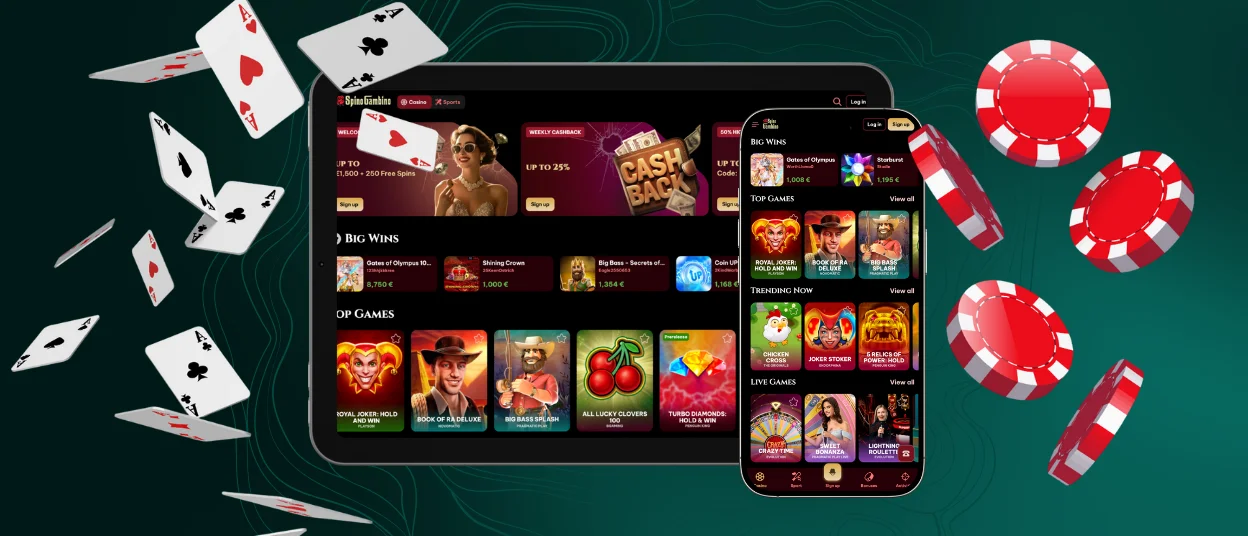
Spinogambino App is our official mobile solution for playing slots and live games with full account access wherever you are. It delivers the same casino library and promotions as the desktop site, including our Welcome Package up to €1,500 + 250 Free Spins, Weekly Cashback up to 25%, and a 50% Highroller Bonus up to €500, all in a smooth mobile interface.



Key Features of the Spinogambino Casino App
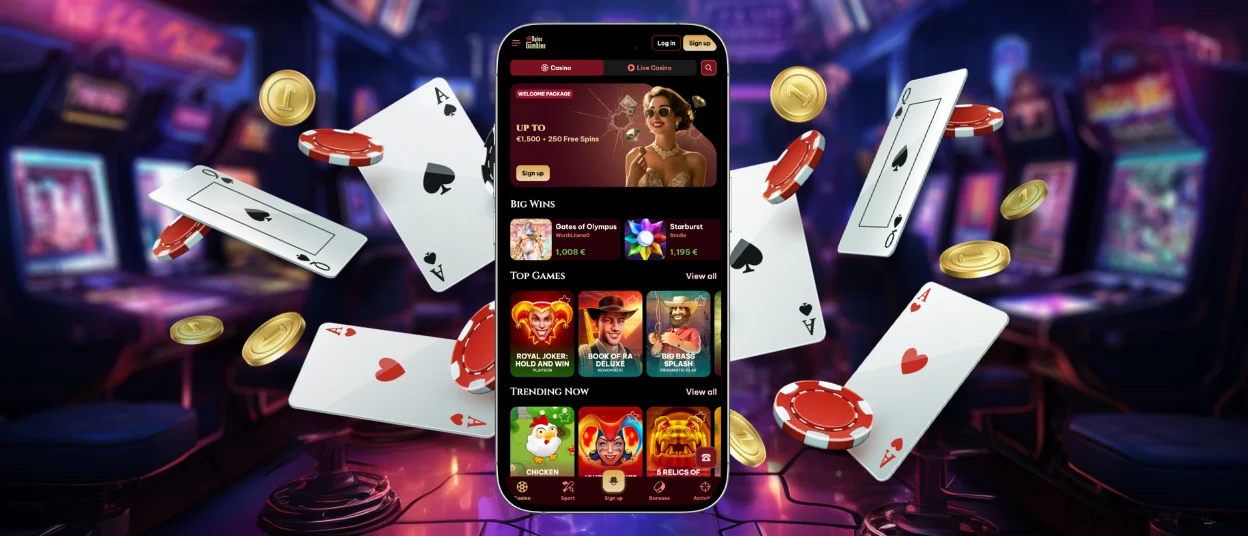
Spinogambino App is designed to give you the full casino experience in a fast, touch-friendly format, so you can play, Deposit, and manage your account anywhere. The app focuses on smooth performance, easy navigation, and direct access to our main game lobbies.
Here are the key features you get with Spinogambino App:
- Mobile-optimized casino lobby. Everything is laid out for quick taps and short paths to your favorite categories, so switching between slot halls and live tables stays effortless on smaller screens.
- Large multi-provider game selection. Spinogambino App connects you to thousands of casino games from well-known studios, including slots and live dealer titles, matching the depth of our desktop platform.
- Live casino on the go. You can enter live roulette, blackjack, baccarat, and game-show style tables directly from mobile, with stable streaming adapted to phone networks.
- Quick Deposits and flexible payment options. In Spinogambino App you can top up your balance in a few taps using supported methods, including crypto and popular e-wallet / card routes where available in your region.
- Secure play and account protection. Our platform uses standard web security measures (like SSL encryption) and operates under Curaçao licensing, so your sessions and data are protected to industry norms.
- Consistent cross-device experience. Your account, balance, and game history stay synced between Spinogambino App and desktop, letting you start a session on one device and continue on another without friction.
In practice, Spinogambino App is about removing extra steps: open, log in, choose a game, make a Deposit if you want, and play — all in a streamlined mobile flow.
Spinogambino Casino App for Your Android Device
Spinogambino App on Android works directly through your mobile browser, without a separate file or store download. Our site automatically adapts to your screen, so you can play and manage your account comfortably on any modern Android smartphone or tablet.
When you open Spinogambino in Chrome or another up-to-date browser on Android, the interface switches into a mobile layout: menus become tap-friendly, buttons are larger, and game tiles arrange themselves for vertical use. This way, Spinogambino App stays fast and easy to navigate even on smaller screens, while keeping access to your profile, games, and Deposits.
To make Spinogambino App feel even more like a native Android application, you can add a shortcut to your home screen via the browser menu. After that, the casino opens from an icon, in a separate window, with a more “app-like” experience and fewer distractions from other browser tabs.
Spinogambino Casino App for Your iOS Device
On iPhone and iPad, Spinogambino App runs smoothly in your browser, and our casino site automatically adjusts to iOS screens for comfortable play. You get the same mobile-ready lobbies and account access without needing a separate installation.
When you open Spinogambino in Safari (or any modern iOS browser), the interface switches into a clean, touch-friendly layout: game tiles resize for your display, navigation stays compact, and live tables stream in a format optimized for mobile connections. This keeps Spinogambino App fast and stable whether you’re playing on an iPhone mini or a larger iPad.
For even quicker access, iOS lets you create a home-screen icon from Safari. Use Share → Add to Home Screen, and your device will place a Spinogambino shortcut alongside your apps. Tapping it opens the casino like a lightweight web app, giving you near-instant entry into Spinogambino App whenever you want to play.
Spinogambino Casino Application for Windows and macOS
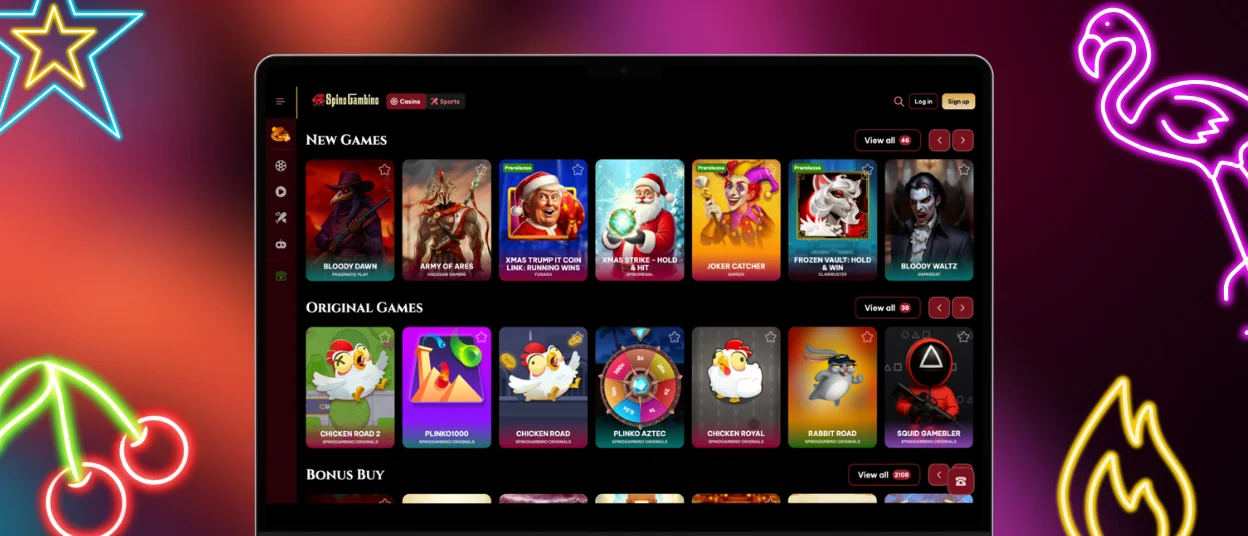
On Windows and macOS, Spinogambino runs as a full-featured browser casino, so you don’t need any separate software to play. You simply open our official site, and the platform loads in a desktop-optimized layout with the same games and promotions you see in Spinogambino App.
The interface is built for larger screens: game categories are displayed in wide lobbies, filters are easier to use with a mouse or trackpad, and live tables stream in high quality when your connection allows it. Because everything is web-based, your account stays synced across devices — whether you switch from PC to mobile Spinogambino App or back again, your balance and active bonuses remain unchanged.
If you want faster access on desktop, you can create a quick-entry shortcut in your browser (for example, “pin to taskbar/dock” or “create shortcut”). After that, Spinogambino opens from an icon like an app window, giving you a clean, one-click way to launch the casino on Windows or macOS.
FAQ
Do I need to install anything to use Spinogambino App?
No. Spinogambino App works through your browser — just open our site on your device and the interface adapts automatically for mobile or desktop play.
Can I use the same account on phone and computer?
Yes, one Spinogambino account works everywhere. Log in on any device and your balance and game access stay connected.
Is Spinogambino App compatible with tablets too?
Absolutely. The responsive layout scales to larger screens, so playing on Android or iOS tablets feels like a widened version of our mobile view.
Can I try games before making a Deposit?
Many slots allow demo or fun-play mode when the provider supports it. If a game has a demo option, you’ll see it directly in the lobby before you Deposit.
How do I get quick access to Spinogambino App?
On mobile you can add our site to your home screen (Android) or “Add to Home Screen” in Safari (iOS). That creates an icon for one-tap entry and feels like an app shortcut.


